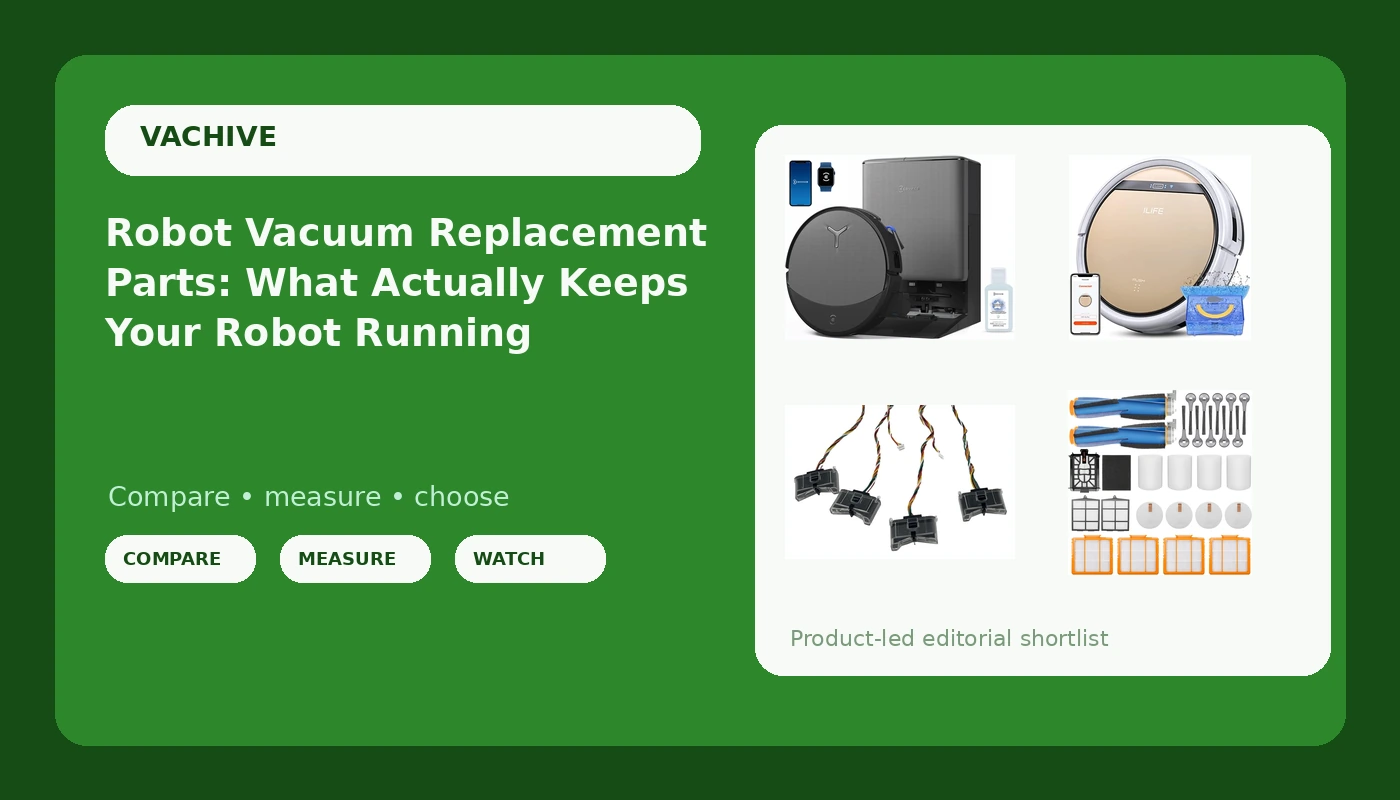
Related: Robot Vacuum Cord Safety: How to Stop the Daily Rescue Mission
Most people treat a robot vacuum like a phone. They run it until it dies, then they buy a new one. That is the expensive way to do this. After nine years of cleaning houses, a drawer full of "promising" robots that failed on job sites, and a team that services more than 40 homes a week around Raleigh, I can tell you the difference between a robot that lasts five years and one that lasts eighteen months usually comes down to robot vacuum replacement parts that cost less than dinner out.
The robots that keep showing up on my schedule are not the newest ones. They are the ones whose owners replaced a filter, a brush roll, or a sensor before a small failure turned into a mystery error code. A robot vacuum is a maintenance tool, not a maid. It keeps your floors at 80% so you only do the last 20%, and it only does that if you keep it alive.
This guide covers the upgrade path I actually recommend: one flagship vacuum and mop combo for people who want the whole job handled, one budget combo for small hard-floor apartments, and two Shark parts that rescue robots you already own.
Best Overall: ECOVACS DEEBOT T90 PRO Omni
The DEEBOT T90 PRO Omni is the machine I point clients toward when they want one unit to handle the whole floor. The 30000Pa suction figure is the headline, and suction is what decides whether a rug transition is a daily annoyance or a non-event. The Omni dock is the part that changes your week: it empties the bin into a sealed bag and takes care of the mop side, so you are not rinsing pads in the utility sink every night. If you have pets, that is not a luxury, it is survival.
What I tell people to verify before they buy: dock height against the cabinet toe kick, whether the robot actually reaches the strip along baseboards, and whether the no-go zones survive a firmware update. Those three questions kill more robot purchases than suction ever does.
This is the pick for a household with mixed flooring, at least one shedding animal, and a schedule that runs the robot daily without anyone thinking about it. 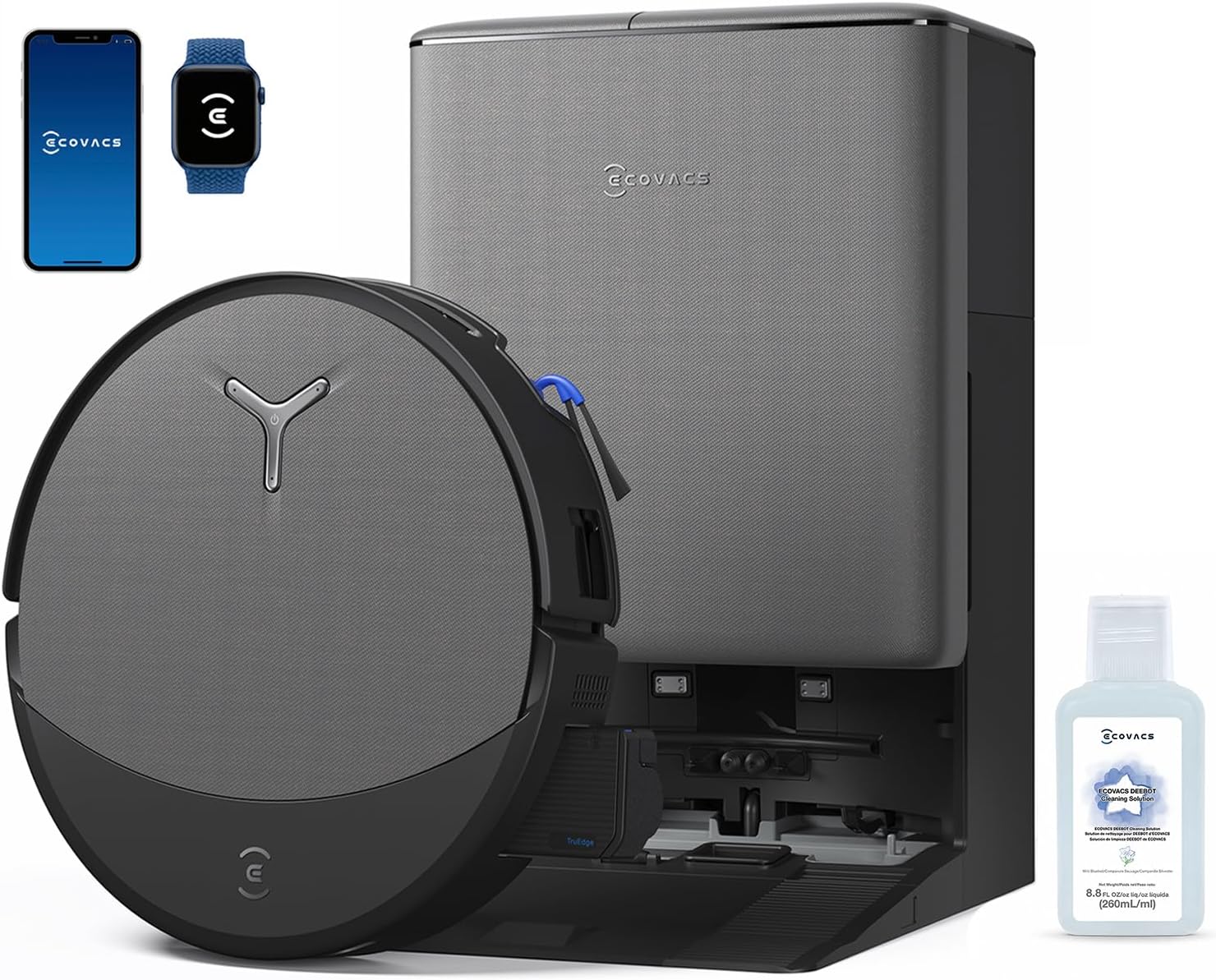 Visit on Amazon →
Best Budget Pick: ILIFE V5s Plus Robot Vacuum and Mop Combo
Not every home needs a flagship. A 600 square foot apartment with hard floors, no rug transitions, and no pets is exactly where a compact vacuum and mop combo makes sense, and the ILIFE V5s Plus is built for that job. It is small enough to live under a console table, it runs a dry pass and a damp pass, and it does not ask you to learn an app to get a floor clean.
Set expectations honestly. A budget combo is a daily maintenance tool for light debris, not a deep cleaner for a house full of carpet and dog hair. It will not empty itself, so the bin is on you, and the mop side is a damp wipe rather than a scrub. If your floors are mostly hard and your mess is mostly crumbs and dust, that trade is fine. If you have three dogs and wall-to-wall carpet, it is not.
For a small hard-floor apartment, this is the sane entry point. 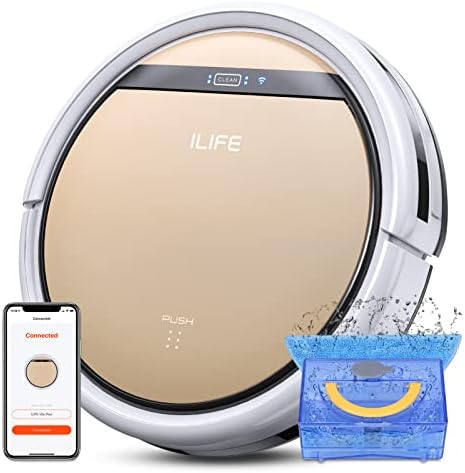 Visit on Amazon →
Best Fix for Shark IQ Owners: Replacement Cliff Drop Infrared Side Sensors
Cliff sensors are the least glamorous part of a robot vacuum and the one that ends the most runs. They are the infrared eyes on the underside that tell the robot there is a drop ahead. When they fail, you do not get a dramatic breakdown. You get a robot that stops mid-run, throws a sensor error, or refuses to leave the dock, and a support call that ends with "buy a new one."
These replacement sensors fit a long list of Shark IQ models, including the RV1001AE, RV912S, RV913S, RV1000S, AV1002AE, AV1010AE, AV911S, and the UR-series units. If your Shark still maps the house and still cleans, but it has started balking near stairs or freezing in the same spot every run, this is the part to swap before you spend flagship money on a whole new robot. It is a short job and it keeps a working machine working. 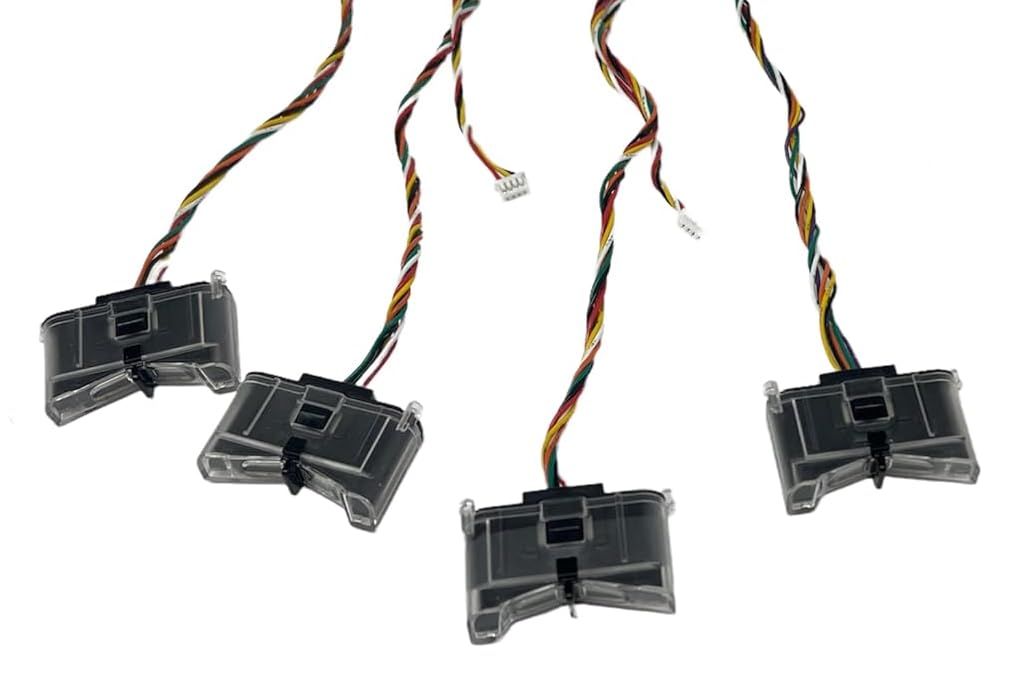 Visit on Amazon →
Best Maintenance Set: Vacuum Replacement Parts for Shark AI
Filters, brushes, and the small consumables are what actually wear out on a Shark AI. This parts set covers the AV2501S, AV2501AE, and AV2511AE, which are the models I see most often in client homes because they were the ones everyone bought on sale.
Here is the maintenance rhythm that keeps those robots running: rinse or replace the filter monthly, clear hair off the brush roll weekly, and check the side brush before it turns into a tangled hook that flings debris instead of sweeping it. Owners who do that get years out of a robot that owners who do not replace in eighteen months. Parts are the cheap half of ownership, and this is the cheap half done properly. 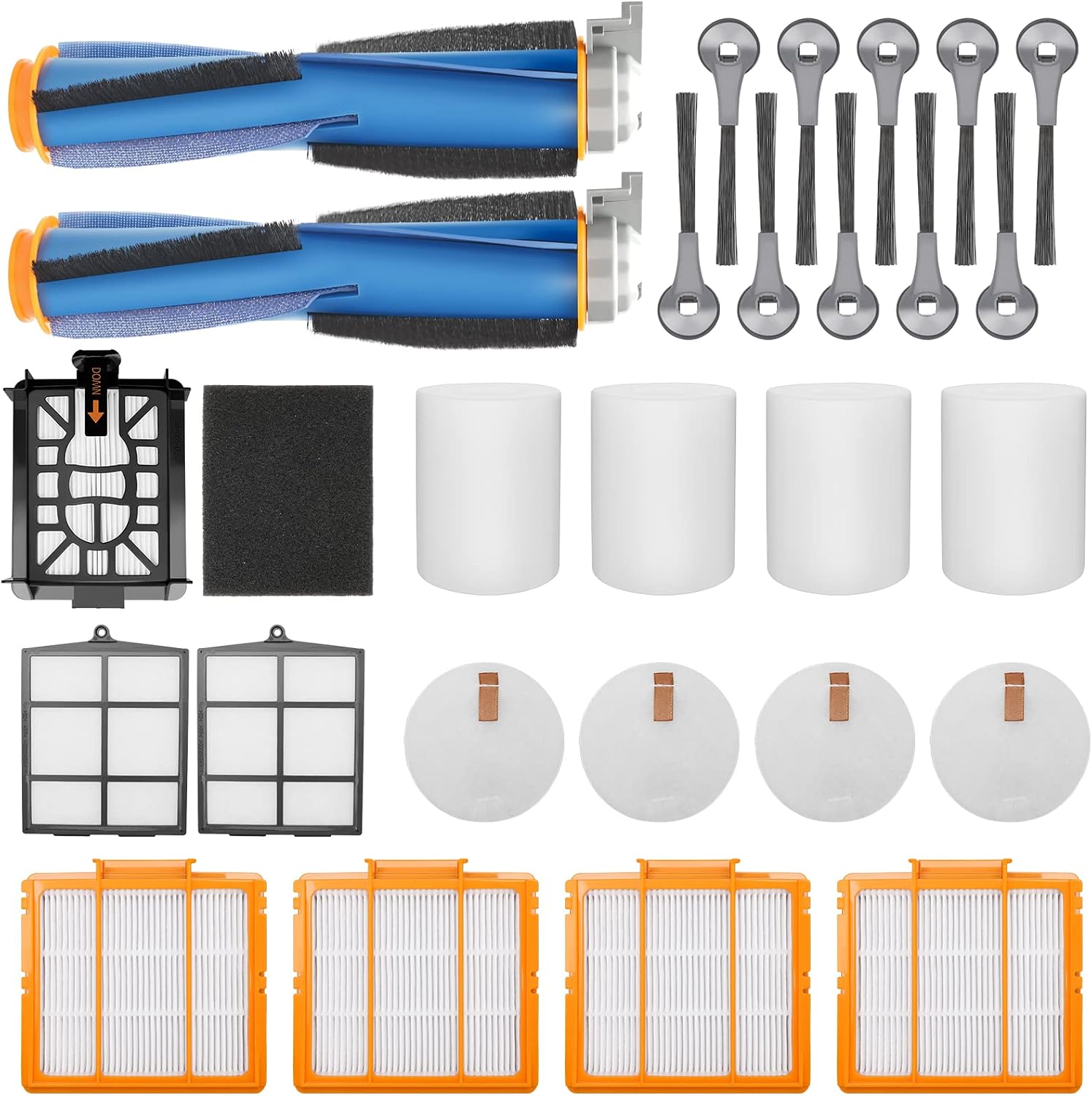 Visit on Amazon →
How I test
Every robot that comes through my team's client homes gets a month on real floors. Not a showroom, not a single afternoon. A month.
The rug transition test comes first: a 0.5-inch lip between hard floor and a low-pile rug. If a robot cannot cross that without stalling or dragging, it cannot handle a normal house, and no app feature fixes it.
Then the dustbin. I call it the mess index, and it is the only honest performance metric I have found. After a week of scheduled runs, does the bin hold real dust and grit, or a sad puff of fluff? The bin does not lie, and it does not care about the spec sheet.
Then the obstacle course: charging cords, pet waste, a stray sock, chair legs. Then the app test. A firmware update mid-month is the fastest way to find out whether your schedule survives and whether your no-go zones are still where you drew them.
Finally, one question. Would I leave this robot in a client's home unsupervised? That is the whole review.
Analysis and test results
Three patterns show up again and again.
First, the parts hierarchy. Filters fail first, then brush rolls, then side brushes, then cliff sensors, then batteries. Every one of those failures looks like "my robot got dumb" and gets misread as a reason to buy new. It almost never is. The two Shark parts in this guide exist because that is where most of the money gets wasted.
Second, self-emptying changes behavior. A robot with a dock you touch every few weeks runs every day. A robot with a bin you empty by hand runs when you remember. That habit gap matters more than any spec difference between two mid-range machines.
Third, mop combos are a spectrum. The DEEBOT T90 PRO Omni takes the wet side seriously. A budget combo like the ILIFE V5s Plus is a damp wipe for light dust. Neither is wrong, but buying a budget combo and expecting flagship mopping is how people end up disappointed with a machine that is doing exactly what it was built to do.
And one rule I will not bend: a robot that cannot handle a rug transition cannot handle your house. No exceptions, no firmware update, no app setting.
Robot vacuum and parts reference table
This is the same short list I keep in my van notes. Every row links to the product the block is about.
| Product | What it is | Best for | Where it fits |
|---|---|---|---|
| Visit on Amazon → ECOVACS DEEBOT T90 PRO Omni |
Flagship vacuum and mop with self-emptying Omni dock | Mixed flooring, pets, daily runs | Primary robot. Check current Amazon price |
| Visit on Amazon → ILIFE V5s Plus |
Compact vacuum and mop combo, no dock | Small hard-floor apartments | Entry point. Check current Amazon price |
| Visit on Amazon → Replacement Cliff Drop Infrared Side Sensors for Shark IQ |
Drop-detection sensors for a long list of Shark IQ models | A Shark IQ that stops at stairs | Repair before replacement. Check current Amazon price |
| Visit on Amazon → Vacuum Replacement Parts for Shark AI |
Consumable parts set for Shark AI models | Monthly upkeep on an AV2501S, AV2501AE, or AV2511AE | Keeps an existing robot running. Check current Amazon price |
Should you buy the ECOVACS DEEBOT T90 PRO Omni?
If your home has mixed flooring, at least one shedding pet, and a routine where the robot runs daily, yes. The Omni dock is what makes daily realistic, because you are not emptying a bin by hand every night. It is the most expensive thing in this guide and the one I would buy for a house that genuinely needs the whole job handled. Visit on Amazon →
Should you buy the ILIFE V5s Plus?
Yes, in one context: a small apartment with hard floors, few or no rugs, and no heavy shedding. There it is a sensible, low-drama daily runner. Outside that context, save up. A budget combo on carpet with pets is the machine that convinces people robot vacuums do not work.
Should you buy the Shark IQ replacement sensors?
Yes, if your Shark IQ still maps and cleans but has started stopping near stairs or throwing sensor errors. Replacing the cliff sensors costs a fraction of a new robot and addresses the most common failure I see on those models. If the robot also will not hold a charge and cannot find its dock, the problem is bigger than sensors.
Should you buy the Shark AI replacement parts?
Yes, and buy them before you need them. Filters and brushes are consumables, not repairs. Owners who keep a spare set on the shelf are the owners whose robots are still running three years later. This set fits the AV2501S, AV2501AE, and AV2511AE, the Shark AI models that show up most in client homes.
The bottom line
Buy the robot that fits your floors, then treat parts as part of the cost of owning it. A flagship combo earns its price in a pet household. A budget combo earns its price in a small hard-floor apartment. And a Shark you already own earns another two years from a sensor or a filter set. The dustbin is the truth. Everything else is marketing.