
Most robot vacuum schedules die in the third week. The first few days you follow the thing around like a puppy. Then a charging cord stops it under the desk, you forget to empty the bin, and by Friday it is parked on its dock with a full bin and a red light you have learned to ignore.
That is not a robot problem. That is a robot vacuum schedule problem. Nearly every abandoned robot I have found in a client's closet was set up with default settings, a full-house run at a random hour, and the assumption that somebody in the house would remember to empty a bin every single day. Nobody ever does.
I have cleaned houses professionally for nine years and now run a five-person team covering more than forty homes a week, from 600-square-foot apartments with two cats to 4,000-square-foot houses with three rug transitions and a Labrador. I have watched robots succeed and fail in all of them, and the difference is almost never the sticker on the box. It is whether the routine was built for the house.
Here is how I build a robot vacuum schedule that survives contact with a real home, plus the two units I would build it around right now.
Why you should trust me
I empty other people's dustbins for a living, which is the only credential that matters here. Over nine years and forty-plus homes a week, I have run robots under kitchen tables, over thresholds, across shag rugs, and directly into a cat's water bowl. I keep a drawer of units that looked promising on paper and failed on a job site.
My rule is simple: show me the dustbin after a scheduled week. If it is mostly fluff, the robot is decoration. If it is packed with grit you can feel, it is doing the job. That is the test everything below is built around.
How I picked and how I tested
The two units here are not a buyer's guide to every robot on the market. They are the two I would put on a schedule at two very different price tiers, and the workflow below works the same on either one.
What I am checking for, every time:
- Bin contents. Real grit, not just carpet fluff. A unit that only lifts surface fuzz is not vacuuming.
- The rug test. I have a low-pile rug with a half-inch lip in a hallway. If a robot cannot cross it, it cannot handle your house, and no amount of app features fixes that.
- Schedule survival. Does the schedule still exist after a firmware update, or does the robot rediscover the house every run and wander into the bathroom?
- Unsupervised risk. Would I let it run in a client's home with nobody watching? Cords, pet waste, and rug tassels answer that question fast.
Suction numbers and self-emptying windows are the specs I care about most, because those two things decide how often the robot actually runs versus how often you actually touch it.
Which robot to build the schedule around
The unit you choose changes the schedule, not the other way around. A self-emptying robot buys you weeks of unattended runs. A bin-you-dump robot buys you a daily habit. Both are workable. Only one of them fits a household that forgets things.
Budget pick: ROPVACNIC Robot Vacuum and Mop Combo 5200Pa Suction Robotic Cleaner
 Visit on Amazon →
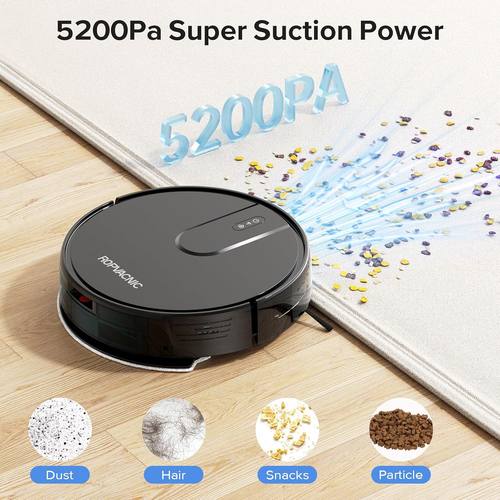
Check current Amazon price. This is the entry point: a vacuum and mop combo with 5200Pa of suction, no self-empty dock, and a bin you empty by hand. That last part is not a flaw, it is a schedule requirement. With this unit, the schedule includes you, and the schedule only works if emptying the bin is attached to something you already do, like starting coffee or letting the dog out.
Where it fits: apartments, single-floor homes, hard floors with one low-pile rug. The 5200Pa number is enough for grit and hair on hard flooring and light debris on a low-pile rug. On deep carpet in a house with two shedding dogs, you would be running it twice a day to keep up, and you will not.
The mopping side is a pad that drags across the floor. Treat it as a daily dust-control wipe, not a scrub. If your kitchen floor has dried spills on it, this will spread them around until you get down there with a real mop. That is true of nearly every combo mop at this tier, so do not buy this expecting to retire your bucket.
Flaws but not dealbreakers: You will empty this bin daily, sometimes twice a day during shedding season, and the filter needs rinsing on a schedule you set for yourself. The upside is that a bin you touch every day is a bin you actually notice. I have seen more self-emptying owners go three weeks without checking anything than I have seen hand-emptiers forget.
Anyone in a smaller home who wants the floors maintained daily without a big upfront spend should start here.
Upgrade pick: roborock Q7 M5+ Robot Vacuum and Mop, Up to 7-9 Weeks Self-Empty, 10000Pa
 Visit on Amazon →
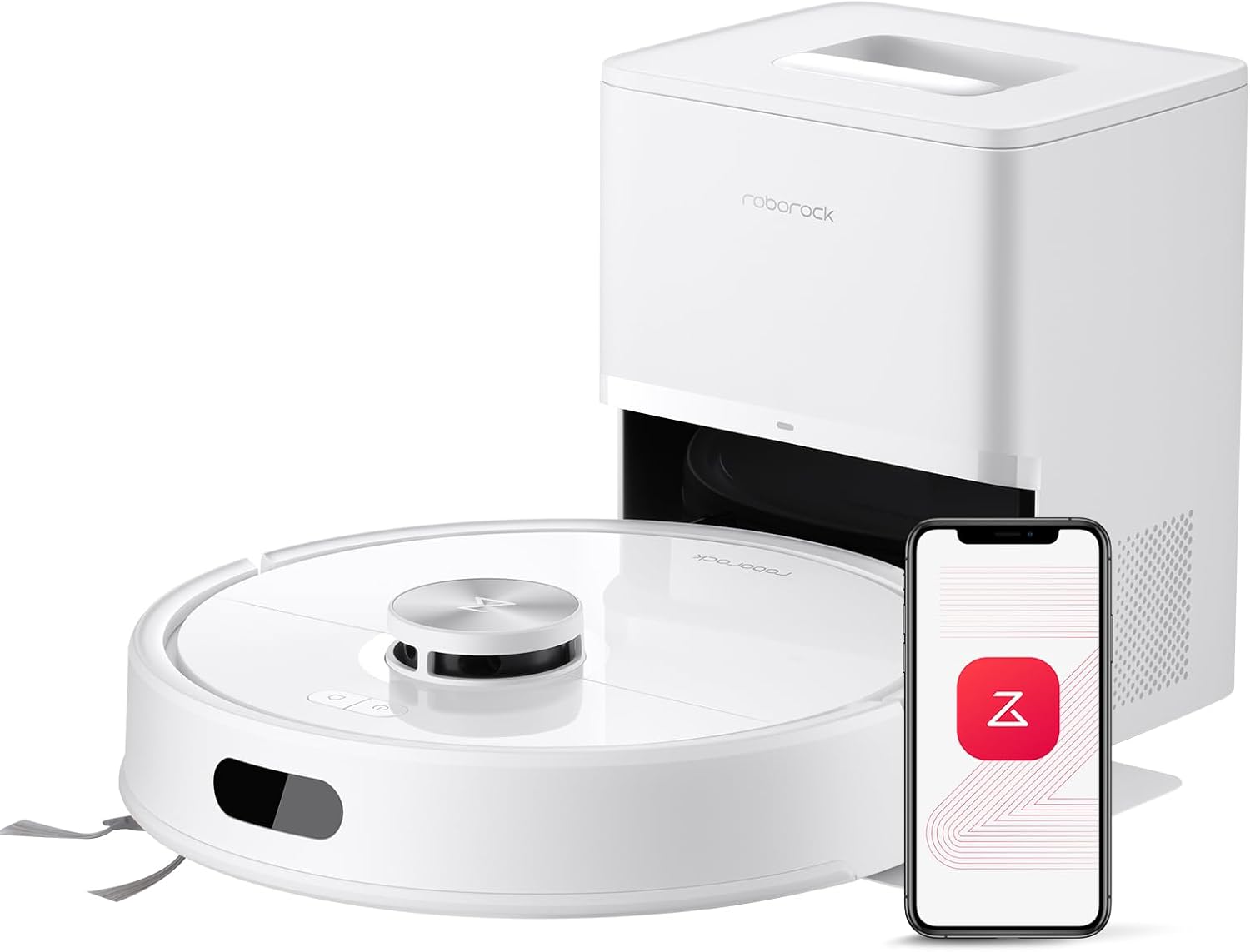
Check current Amazon price. The 10000Pa suction figure and the self-empty dock rated for up to 7 to 9 weeks are the two specs that change your routine. The suction number is what lets a single daily run count on carpet instead of just hard floor. The dock is what removes the daily bin dump from your life and moves it to a monthly bag check.
If you have pets, this is the tier where the math stops being about cleaning and starts being about survival. A bin that fills in one run on a shedding dog means your "daily" schedule becomes an every-other-day schedule the moment you get busy. A dock that swallows weeks of debris keeps the robot running when you are not paying attention, which is the only state a robot should operate in.
Flaws but not dealbreakers: A self-empty dock is one more thing with consumables, one more thing that needs floor space near an outlet, and one more thing that can clog if you run it over wet debris. It also lets you ignore problems longer. You still have to check the bag, the filter, and the brush roll, just less often. This unit is the answer for anyone who wants a schedule that runs whether or not they remember it exists.
The actual setup workflow
Now the part you came for. This works on either unit, and it works on whatever robot is already sitting in your hallway. The order matters.
Step one: Map the floor before you schedule anything. Run the robot once with no schedule at all, in whatever the app calls a full mapping run. Watch where it gets stuck, where it climbs something it should not, and where it gives up. You are not evaluating the robot here. You are evaluating your house.
Step two: Fix the two worst obstacles before the second run. In my client homes it is always the same two: a charging cord snaking under a desk, and a rug with a curled corner. Tape the rug edge down flat or move the rug out of the path. Wind the cord up. Rugs are the single most common failure point, because a robot that cannot cross a lip will spend an entire run orbiting the same rug like a Roomba shark.
Step three: Set no-go zones once, then photograph the map. Draw them around pet bowls, litter boxes, and the cord corner you could not fix. Then take a screenshot of the finished map, because the one time you will need it is right after an app update wipes your zones.
Step four: Set the run time for when you are genuinely gone. Not when you leave. Thirty to sixty minutes after you leave. Any earlier and you are stepping over it in the hallway, which is how people start canceling runs. Set it for a weekday you are reliably out of the house, and if your schedule varies, pick the one day it does not.
Step five: Start with daily on the main floor only. One run a day in the rooms that get used. A single daily pass on the main floor beats a three-times-a-week whole-house pass, because dust settles daily and robots are maintenance tools, not deep cleaners. Add rooms after two weeks of the basic schedule surviving.
Step six: Add the edge pass weekly. Every robot leaves a strip along the baseboards of an inch or two. Once a week, take a vacuum with an edge tool and do the perimeter in five minutes. This is faster than trying to buy a robot that solves it, and it gets the corners, which is where clean is actually measured.
Step seven: Attach bin care to an existing habit. If you are on a hand-empty unit, the bin gets dumped when you start the coffee or let the dog out, no exceptions. If you are on a self-empty dock, the bag check happens on the first of the month, and you write it on the calendar.
Step eight: Re-check the schedule after every firmware update. Open the app, look at the schedule, look at the map, look at the zones. Updates have a way of quietly resetting all three. Two minutes here saves you a week of wondering why the robot is in the bathroom again.
Where schedules fail
The map that rediscovers the house. If your robot rebuilds the map every run, it is not learning, and your zones mean nothing. Re-run the mapping process and let it finish without you picking it up mid-run, which is the fastest way to confuse it.
No-go zones that vanish. Screenshot the map. Redraw the zones after updates. Expect this, and it stops being infuriating.
The 1-inch baseboard strip. Accept it and do the weekly edge pass. Nobody has solved this completely, and the marketing language around edge cleaning is generous.
Cords. Obstacle avoidance is not a guarantee. If you have cords on the floor, the robot will eventually find the one you forgot, and it will announce this by dying in the middle of the living room.
A schedule nobody can hear. If the robot runs while you are home and it is loud enough that you turn it off, the schedule is over. Run it when you are out.
Maintenance you cannot skip
Weekly: pull the brush roll and cut the hair off it with scissors or the cleaning tool. A wrapped brush roll loses suction and drags on carpet. Empty or check the bin. Wipe the drop sensors on the bottom if the robot has been acting drunk.
Monthly: rinse the filter under a tap and let it dry completely for a full 24 hours before it goes back in. A damp filter smells, and a wet filter can damage the motor. Wipe the charging contacts on the dock and the robot with a dry cloth.
Every two to three months on a self-emptying unit: check the dock bag. The "up to 7 to 9 weeks" figure assumes a normal dust load, not a shedding season, and not a house where somebody walked in with wet shoes every day. If the bag smells or the dock is not pulling debris, it is full or the inlet is blocked.
Annually: replace filters and brush rolls. These are wear items, and a worn brush roll makes a good robot act like a bad one.
What this actually costs
Check current Amazon price on whichever unit you land on, then budget for the parts nobody mentions: replacement filters, brush rolls, and dock bags if you go self-emptying. Over two years, consumables run a meaningful fraction of the purchase, and skipping them is how people end up concluding their robot "stopped working" when it just needed a fresh filter.
The honest cost math is time, not money. The hand-empty unit costs you a minute a day at the bin. The self-emptying unit costs you a few minutes a month at the dock plus the price of bags. If a minute a day is nothing to you, the budget unit is genuinely fine. If you know you will skip it, pay for the dock, because a robot with a full bin is a robot that is not cleaning your house.
The short version
Map the floor, fix the rug lip, set the run for when you are gone, run daily on the main floor, and attach bin care to a habit you already have. Do the baseboard edge pass once a week and clean the brush roll every Sunday.
That is the whole system. A robot vacuum keeps your floors at about 80 percent so you only do the remaining 20 percent. Build the schedule around that number and it will still be running in six months, which is more than most people manage.